
Using Tarz in a workshop without internet
Tarz works offline. If a computer never connects, ask support for a key bound to that computer.
Most workshops connect a computer to the internet once in a while (a phone hotspot is enough). That is all Tarz needs:
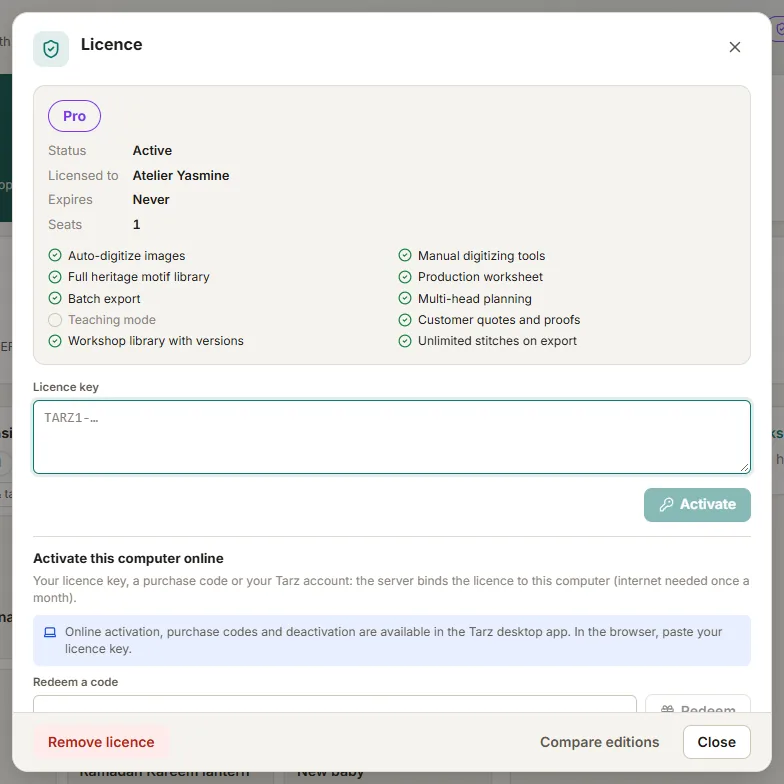
- Activation needs a connection once.
- The licence is then refreshed about every 30 days. Without a connection, Tarz keeps working 30 more days after the refresh date, then switches to the Free edition until the next connection — your designs are never lost.
A computer that never goes online
For computers that cannot be connected at all (industrial machines' PCs, isolated networks), support can issue a key bound to that computer:
- In Tarz, open Licence and copy the Computer ID.
- Send it to us from your account (open a support request) together with the licence or order number.
- We send you a key that only works on that computer. Paste it in Licence → Licence key.
This key does not need online refreshes. Note that it cannot be moved by yourself: if you replace the computer, contact support again.
Keep the date right
Licence checks use the computer's date. If the date of the computer is set back in time, paid features pause until the date is correct and the computer has been online once. Check the date and time before contacting us.