
Sign in with your Google account
Create your Tarz account or sign in with one click using Google; your existing account is linked automatically.
On the Sign in or Create an account page, click Continue with Google and choose your Google account.
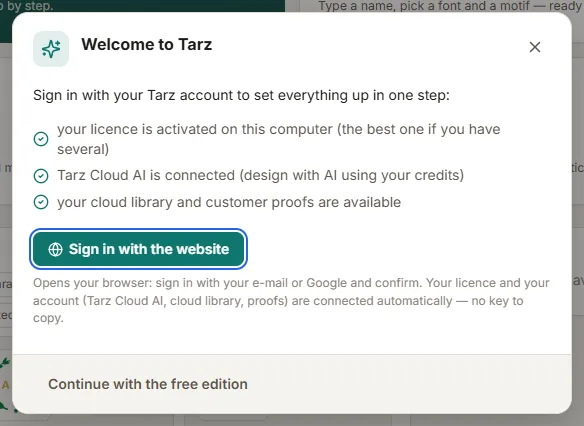
- New to Tarz? Your account is created with the name and e-mail address of your Google account. The address is already confirmed: no verification e-mail.
- Already have a Tarz account with the same e-mail? Google confirms that the address is yours, so it is linked to your account. You can then sign in either with Google or with your password.
- Two-step verification (2FA) stays active: after Google, Tarz asks for the 6-digit code of your authenticator app.
- Your Google password is never shared with Tarz. Tarz only receives your name and e-mail address.
Troubleshooting
- Google sign-in is not available on this site yet: the site administrator has not enabled it; use your e-mail and password.
- Your Google account's e-mail address is not verified: confirm the address in your Google account, or register with your e-mail.
- The Google sign-in took too long or was opened in another browser: start again from the same browser window.
- Want a password too? Use Forgot password on the sign-in page to set one.