
Fewer trims, cleaner backs
Every trim costs time and leaves thread tails. Branching removes the trims inside a group, which shortens machine time and gives a cleaner reverse side.
Select the parts of a motif or a word and Tarz Studio joins them into a single continuous path. Travel runs are placed where the top stitching will cover them, so the machine does not stop to trim between petals, leaves or letters.
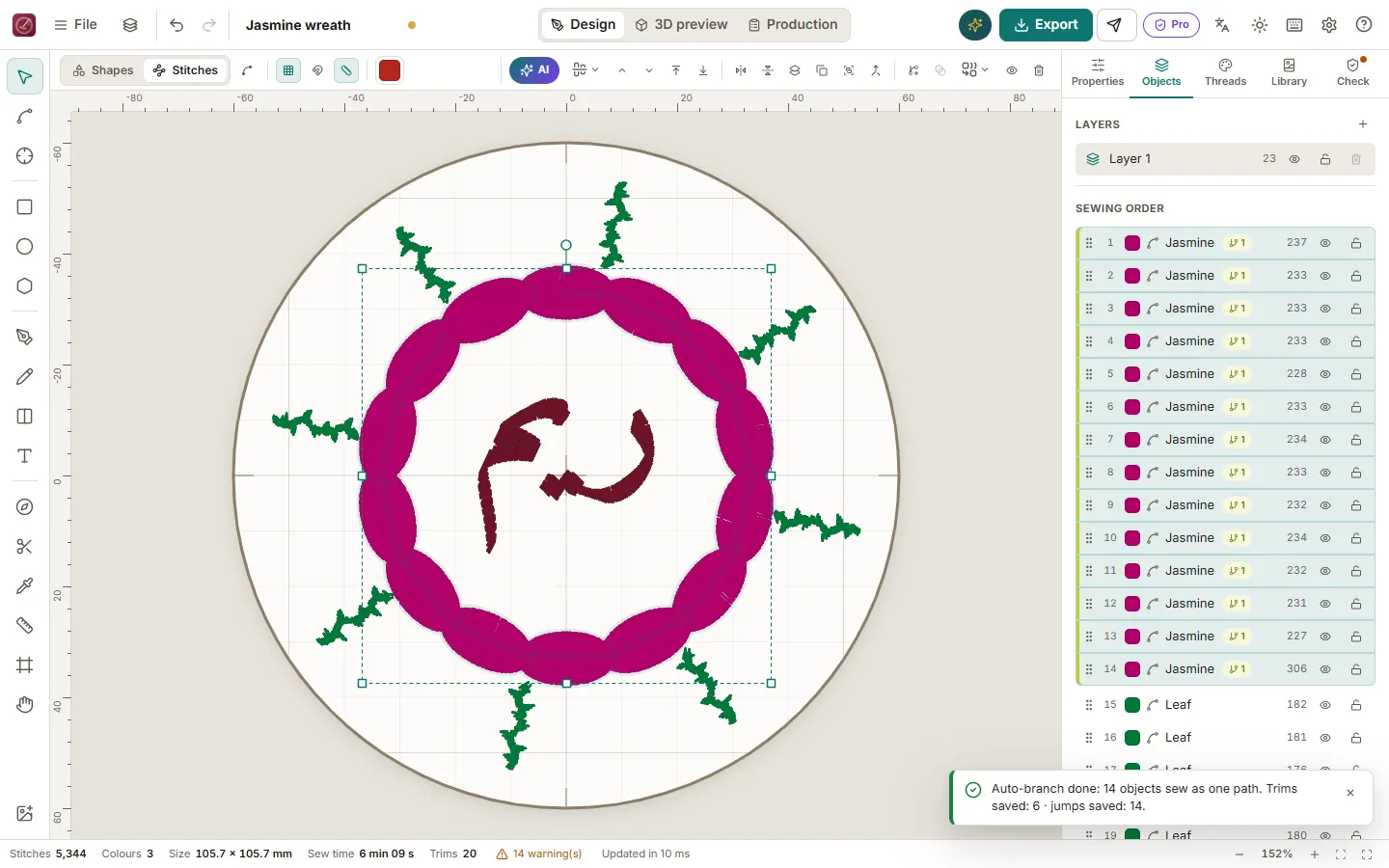
Every trim costs time and leaves thread tails. Branching removes the trims inside a group, which shortens machine time and gives a cleaner reverse side.
The engine builds a graph of the objects, finds an order that visits each one once and sews the connections first, under the area that will be covered.
Ideal for joined Arabic words, floral borders, karakou and caftan motifs where dozens of small parts share one thread.
Detailed instructions with screenshots in the help centre, in Arabic, French and English.
Download Tarz Studio for free and try it with your own machine today.