
AI assistant: review and improve a design
Ask for a design in your own words, then let the review find production issues and Improve fix them, with a quality score for each version.
The AI assistant works inside Tarz Studio. It can create a design from a description, change an existing design on request, review a design like an experienced digitizer and improve it. Every result is a normal design made of editable objects.
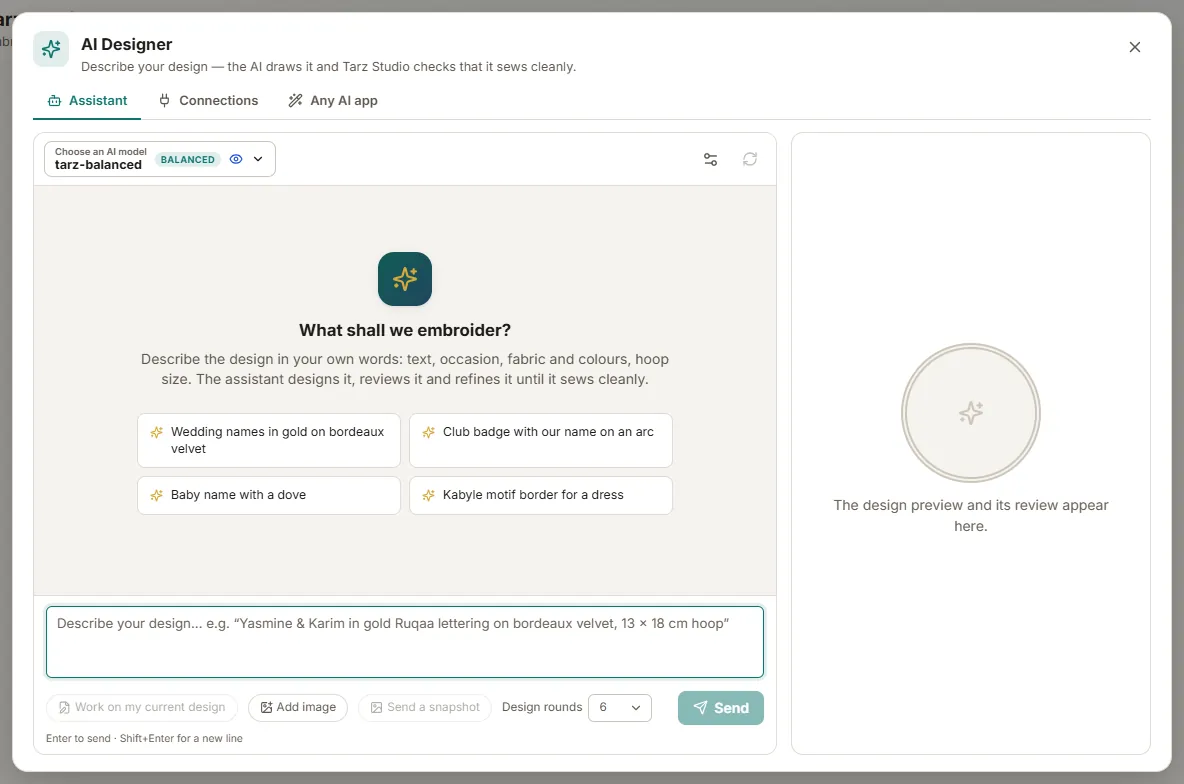
Choose the AI
Open AI → Assistant. At the top, choose where the AI runs:
- Tarz Cloud AI: no key to manage, paid with credits from your Tarz account (see Tarz Cloud AI).
- Your own key: Claude, GPT, Gemini, Mistral and other providers.
- Local model: Ollama or LM Studio on your computer, free and offline.
Ask for a design
- Type your request in Arabic, French or English, for example: "Wedding cushion, names Yasmine and Karim in Naskh, laurel wreath, gold on bordeaux velvet, 13×18 hoop".
- The assistant composes the design with Tarz Studio fonts and motifs, sized for the hoop. A preview appears in the conversation.
- Click Open in editor to work on it, or ask for changes: "make the names 10 % bigger", "use a Kufi font".
Review a design
Click Review (also available on any open design, AI → Review this design). The review checks:
- hoop fit and distance from the hoop edges;
- density that is too high or too low for the fabric;
- text and details too small to sew (for example Arabic letters under 8 mm on velvet);
- number of trims and colour changes;
- overlaps, gaps and very short stitches;
- legibility of lettering.
Each issue is explained in plain words, with the objects concerned highlighted. The quality score (0–100) summarises the result.
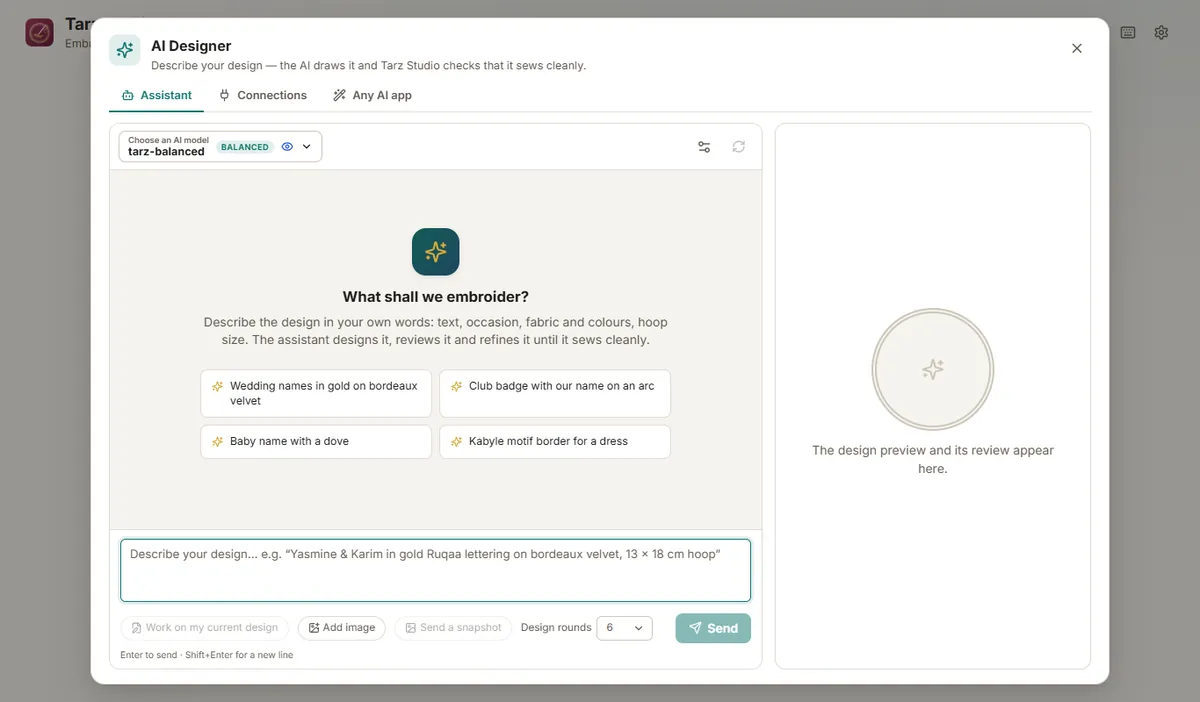
Improve
Click Improve. The assistant proposes fixes (enlarge text, adjust density, branch objects to remove trims, reorder colours…), applies them and reviews the new version. The score of each version is kept so you can compare them. Ctrl+Z undoes an improvement; you can also accept fixes one by one.
Privacy
With your own key or a local model, the design data goes only to the provider you chose (or stays on your computer). With Tarz Cloud AI, requests go through the Tarz server. The review checks themselves run locally and work offline.