
Spiral and radial fills
Fill a shape with one continuous spiral, or with stitches that radiate from a centre you can move.
Spiral and radial fills give round shapes their movement: flower hearts, suns, rosettes, domes and medallions.
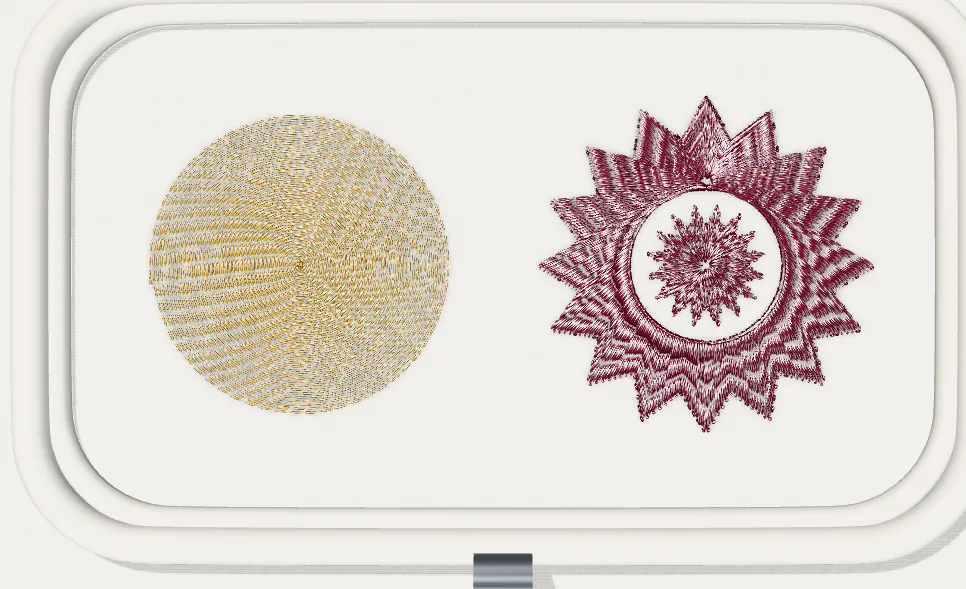
Spiral fill
A spiral fill sews the shape as one continuous path that turns from the outline towards the centre. There is no row change and no travel inside the shape, which gives a smooth, shiny surface.
- Select a closed shape.
- In Properties → Stitch type, choose Spiral.
- Adjust Spacing (distance between turns, in mm). 0.40–0.45 mm suits most fabrics; increase it on light fabrics.
- To change where the spiral ends, drag the centre handle (small target) on the canvas. Double-click it to put it back at the centre of the shape.
Radial fill
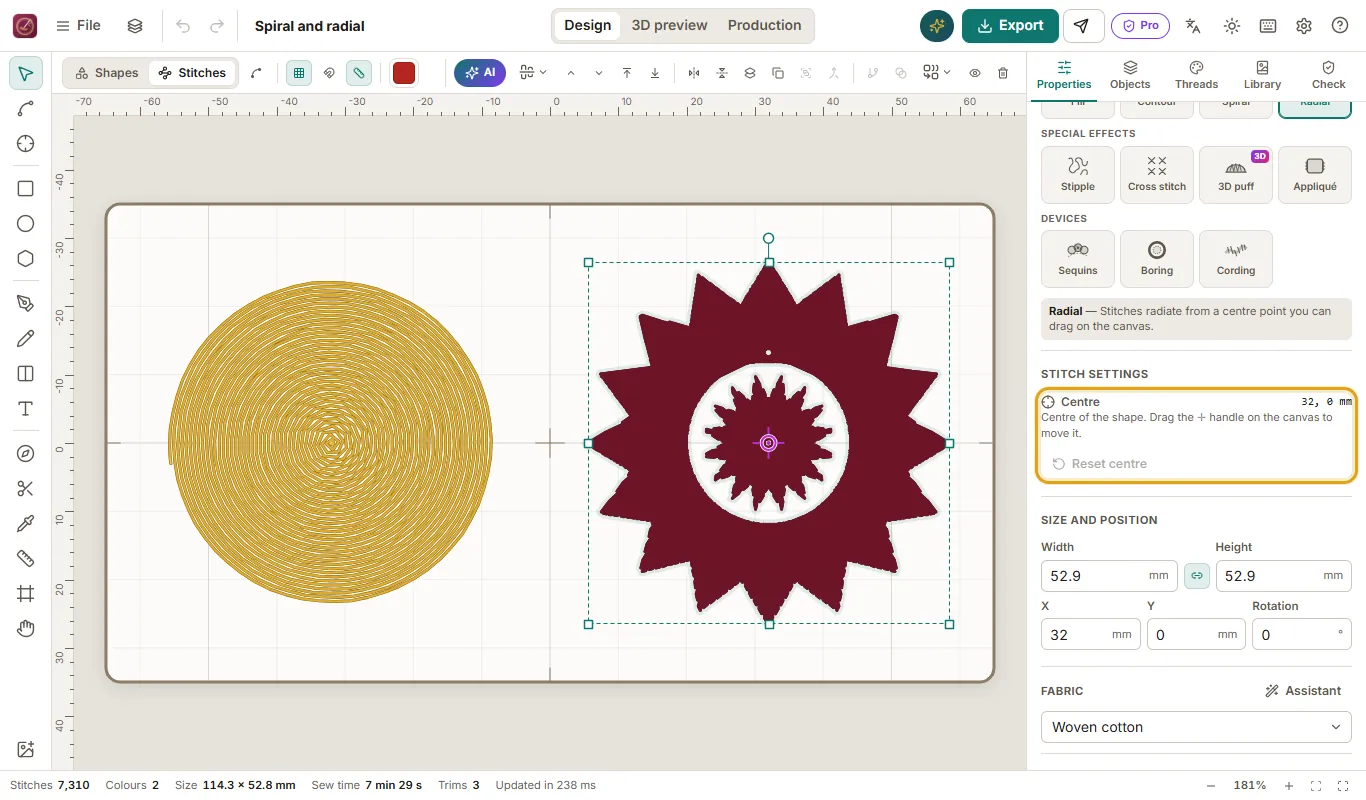
A radial fill places stitches like the spokes of a wheel, from a centre point to the outline. Stitches are naturally denser near the centre; Tarz Studio shortens and skips the inner ends so the centre does not build up.
- Select a closed shape.
- In Properties → Stitch type, choose Radial.
- Set Spacing at the outline (in mm) and the Maximum stitch length: long rays are split automatically.
- Drag the centre handle to move the point the stitches come from, for example to the base of a petal.
Underlay and compensation
Both fills use the automatic underlay and pull compensation of the fabric preset. On towels and fleece, keep the tatami underlay so the spiral does not sink into the pile.
Tips
- Holes are respected: the spiral turns around them and the rays stop at their edge.
- For a sharp-pointed shape, a radial fill with the centre near the point looks more natural than a spiral.
- Check the result in the 3D preview at 100 % before export.