
Stipple and cross-stitch fills
A light meandering quilting texture, or a fill of real cross stitches on a square grid.
Stipple fill
A stipple fill covers the shape with a single meandering running line that never crosses itself, like free-motion quilting. It is light, flexible and quick to sew: ideal for backgrounds, quilts, bags and large areas where a full fill would be too stiff.
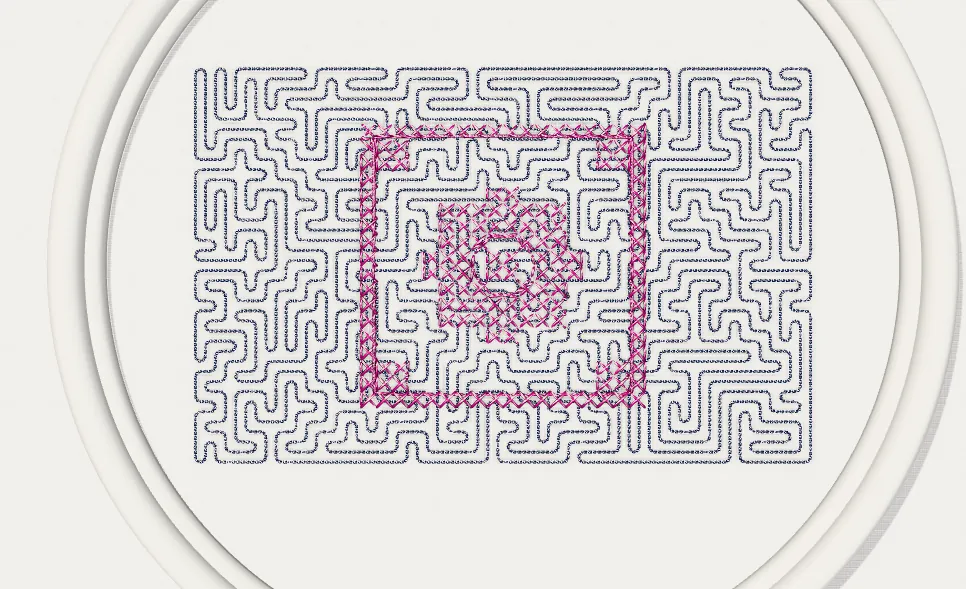
- Select a closed shape.
- In Properties → Stitch type, choose Stipple.
- Set Path spacing (default 2.0 mm): the average distance between neighbouring loops. Smaller values give a denser texture.
- Set Stitch length (2.0–3.0 mm is a good range for curves).
- Click New pattern to get a different, equally even path; the result is always the same for the same shape and settings.
Stipple has no underlay by default: it is meant to sew through fabric and batting together.
Cross-stitch fill
The cross-stitch fill converts a shape into crosses on a square grid, like hand cross stitch. It suits naïve patterns, children's designs and pixel-style artwork.
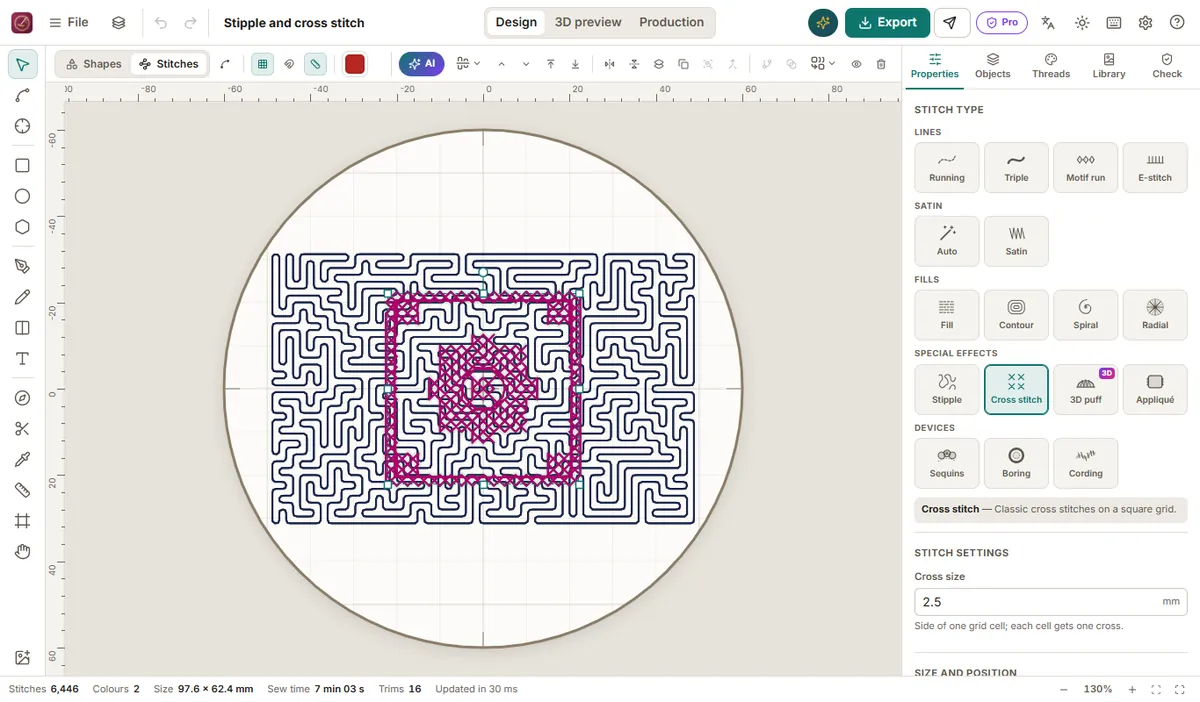
- Select a closed shape (or several shapes of different colours).
- In Properties → Stitch type, choose Cross stitch.
- Set Cell size (default 2.5 mm). A cell is used when most of it lies inside the shape.
- Choose Passes: 1 for a light look, 2 for a stronger, hand-made look.
Tarz Studio sews the crosses row by row in an order that keeps travel short. Neighbouring shapes of different colours share the same grid, so their crosses line up exactly.
Tips
- Use the same cell size for the whole design; mixing sizes looks irregular.
- On stretch fabrics, add a cut-away stabilizer: crosses are many short stitches.
- Check density in the heat map: overlapping cross-stitch shapes should not be stacked.